


H4 LED Decoder Solutions for a More Reliable Upgrade
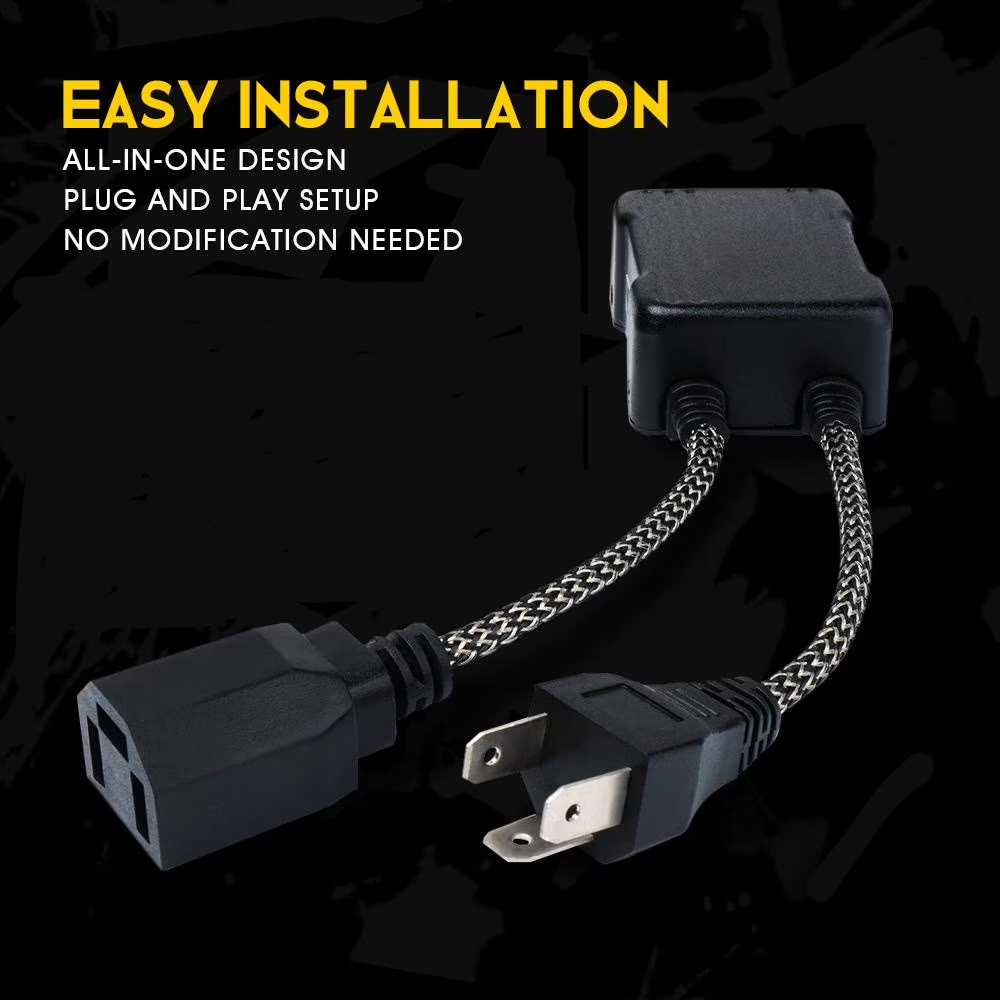
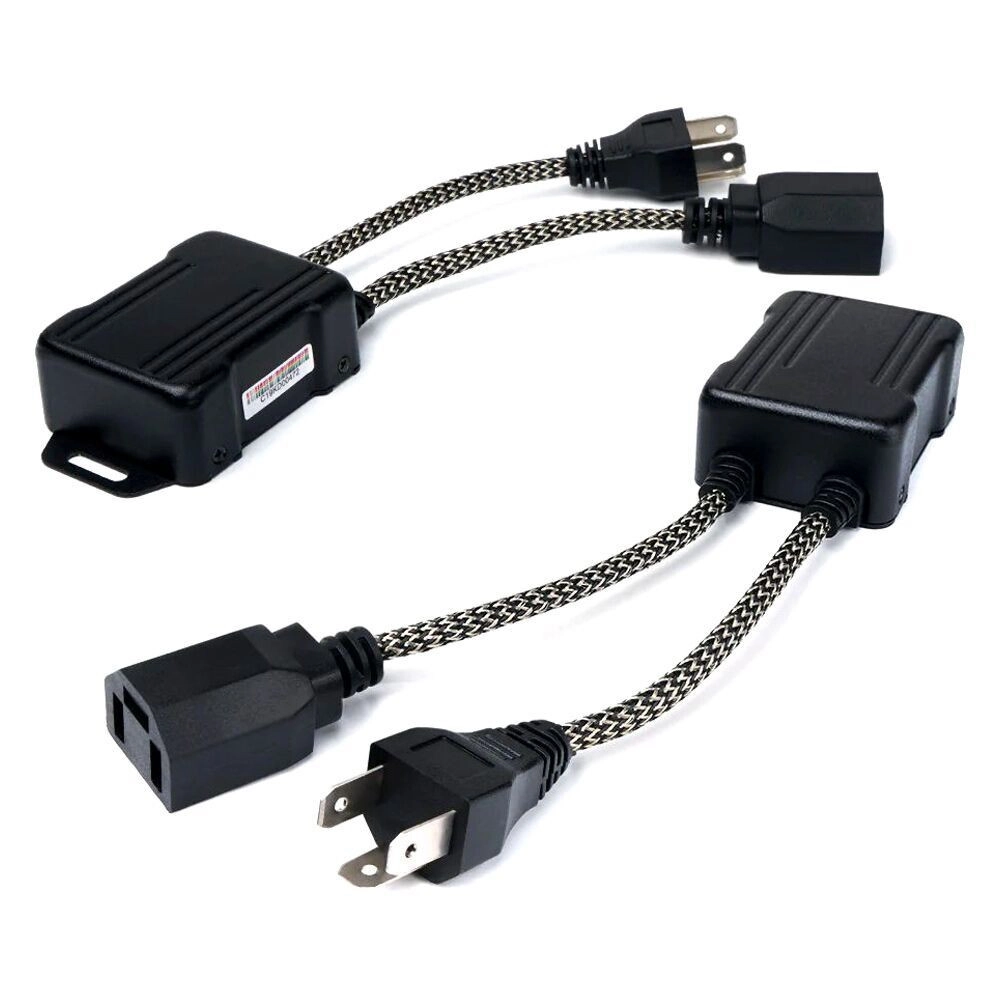
An H4 LED decoder is an accessory some drivers consider when an H4 LED bulb upgrade causes flickering, a bulb warning, or another compatibility issue. The right solution depends on the vehicle’s electrical system, the LED bulb, and the exact symptom; a decoder is not universally required or guaranteed to resolve every problem. Use this category as a starting point for understanding what these accessories may do, what to verify before buying, and how to approach an upgrade with safety and compatibility in mind.
Understanding the role of an H4 LED decoder
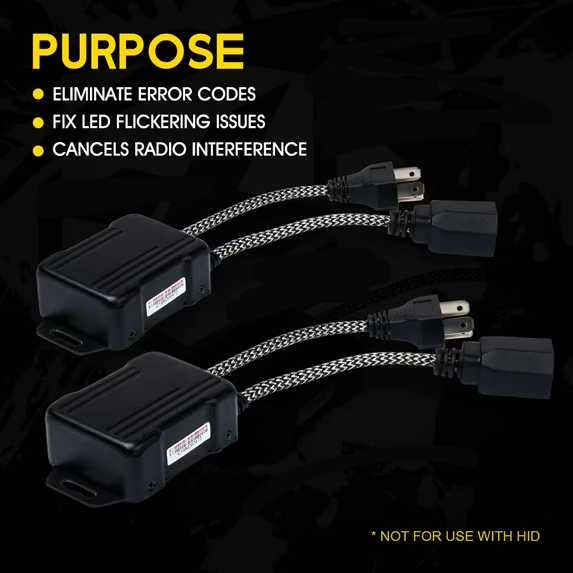
Many vehicles monitor exterior lighting and expect an electrical load similar to the original halogen bulb. Because LED bulbs can draw less power, the vehicle may interpret the change as a failed bulb or respond with flickering. In certain setups, a decoder or related anti-flicker accessory can help address these symptoms by adapting the electrical interaction between the vehicle and the LED bulb.
That does not mean every H4 LED conversion needs an additional component. Some LED bulbs work without a decoder, while other vehicles may need a specific type of adapter or a different solution. Symptoms can also have causes unrelated to bulb monitoring, such as an incompatible bulb, a poor connection, damaged wiring, or an issue with the vehicle’s lighting circuit. Identifying the cause first can prevent unnecessary purchases and avoid masking an underlying electrical fault.
When reviewing products in this category, look for clear information about intended use and compatibility. H4 identifies a bulb fitting and circuit arrangement, but it does not confirm that an accessory will work with every vehicle or LED bulb. Check product instructions and vehicle requirements, and contact the seller or a qualified installer if fitment details are unclear.
Choosing a compatible solution for your setup
A good buying decision starts with the vehicle, not just the product name. Confirm the year, make, and model, the type of H4 LED bulb installed, and the issue you are trying to solve. Note whether the problem occurs continuously or only in particular conditions, such as when the lights are switched on. These details help distinguish a potential monitoring-related issue from a fitting or wiring problem.
- Check the product’s stated application: Look for compatibility guidance that matches your vehicle and lighting setup rather than relying on the H4 label alone.
- Identify the symptom: Flicker, a dashboard warning, and intermittent operation can have different causes and may call for different troubleshooting steps.
- Review installation guidance: Confirm how the accessory connects, where it should be positioned, and whether any additional parts are required.
- Consider heat and secure mounting: Follow the manufacturer’s placement instructions and keep components clear of materials or areas that could be affected by heat.
- Check return and support details: Vehicle compatibility can vary, so accessible fitment advice and a clear returns policy can be useful.
A decoder should not be treated as a substitute for correct headlamp aim, appropriate bulb selection, or sound wiring. After any lighting change, check that the beam pattern is properly aimed and does not create excessive glare for other road users. Local rules for replacement LED bulbs and headlamp modifications also vary, so confirm that your setup is permitted where the vehicle is driven.
Make the upgrade with confidence
Lighting upgrades are most satisfying when they improve visibility without introducing avoidable warnings or electrical problems. A carefully selected decoder may help in a compatible setup, but accurate diagnosis and product-specific guidance are essential. If a warning or flicker remains after installation, switch off the system and recheck the connections according to the instructions. Do not bypass vehicle safety systems or improvise wiring; seek advice from a qualified automotive electrician when the cause is uncertain.
Use this category to compare the available solutions against your actual vehicle and bulb combination. Prioritize transparent specifications, practical installation information, and support that helps you verify fitment. Taking those steps makes it easier to choose an accessory for the problem at hand rather than assuming that one decoder fits every H4 LED conversion.
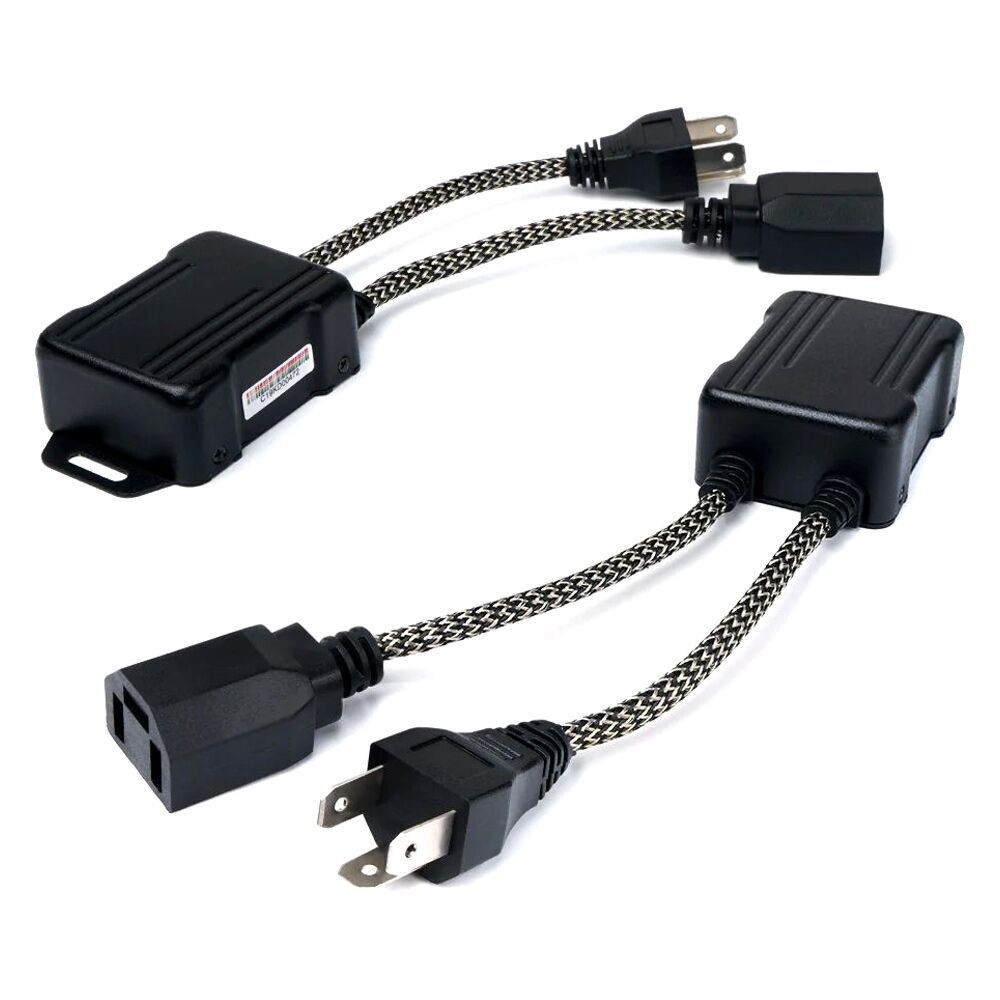
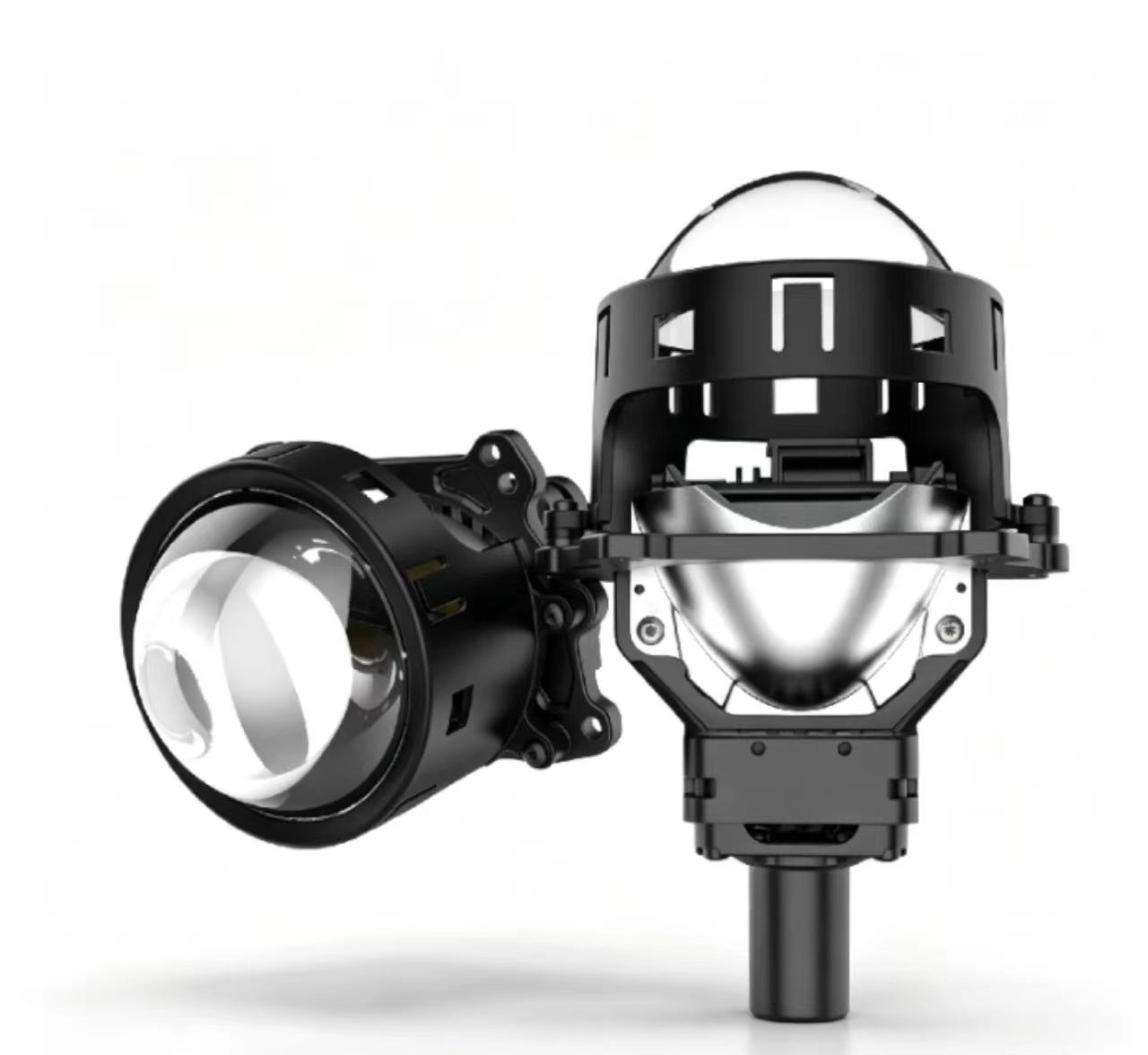
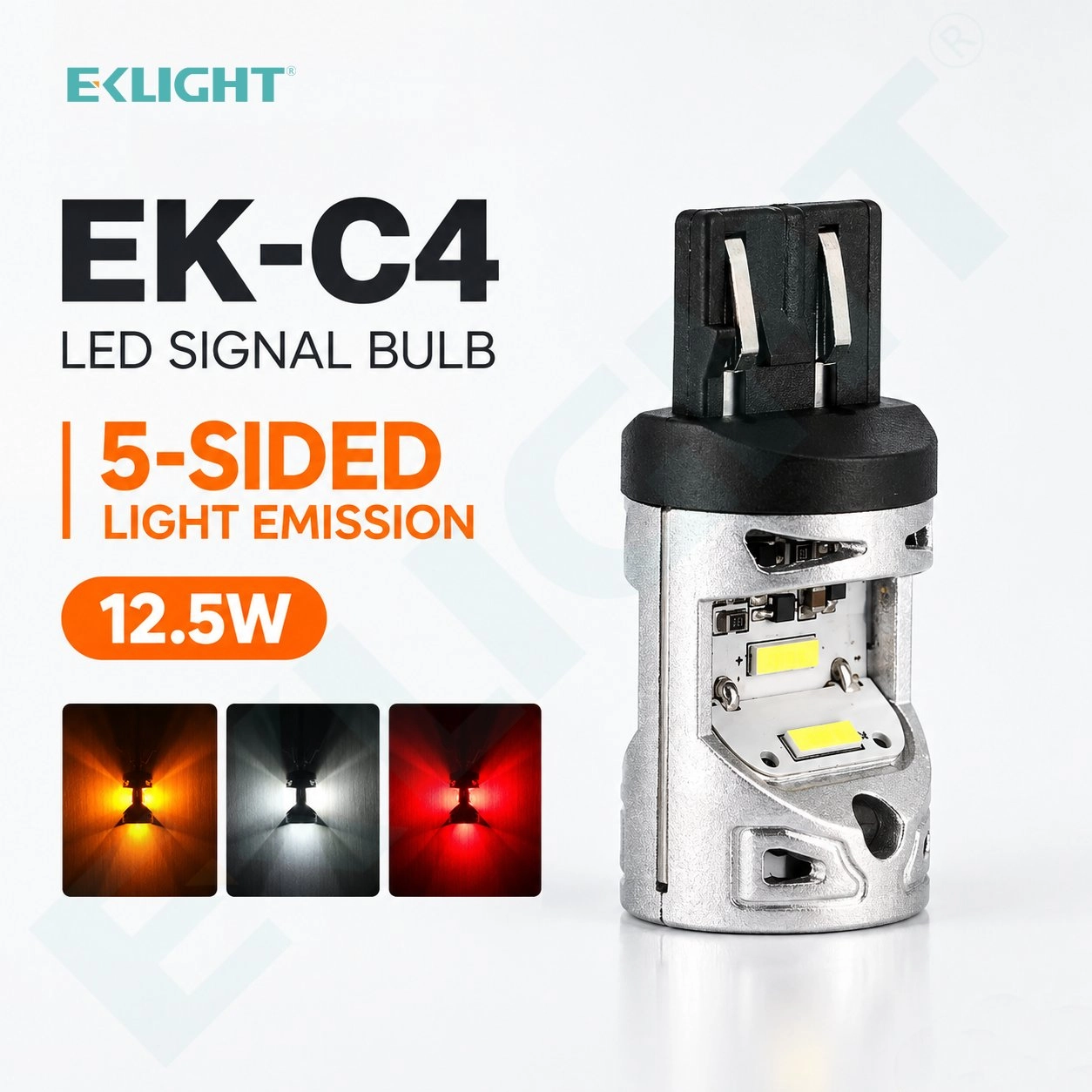
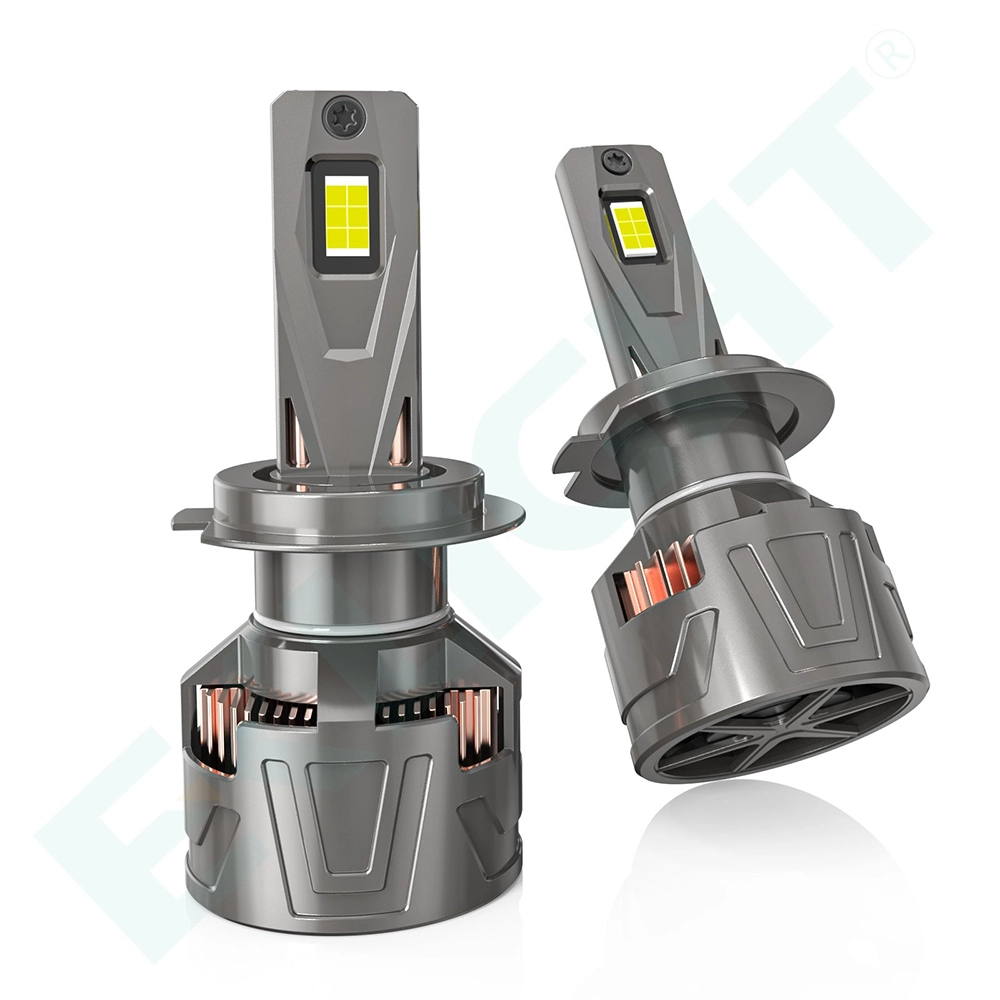
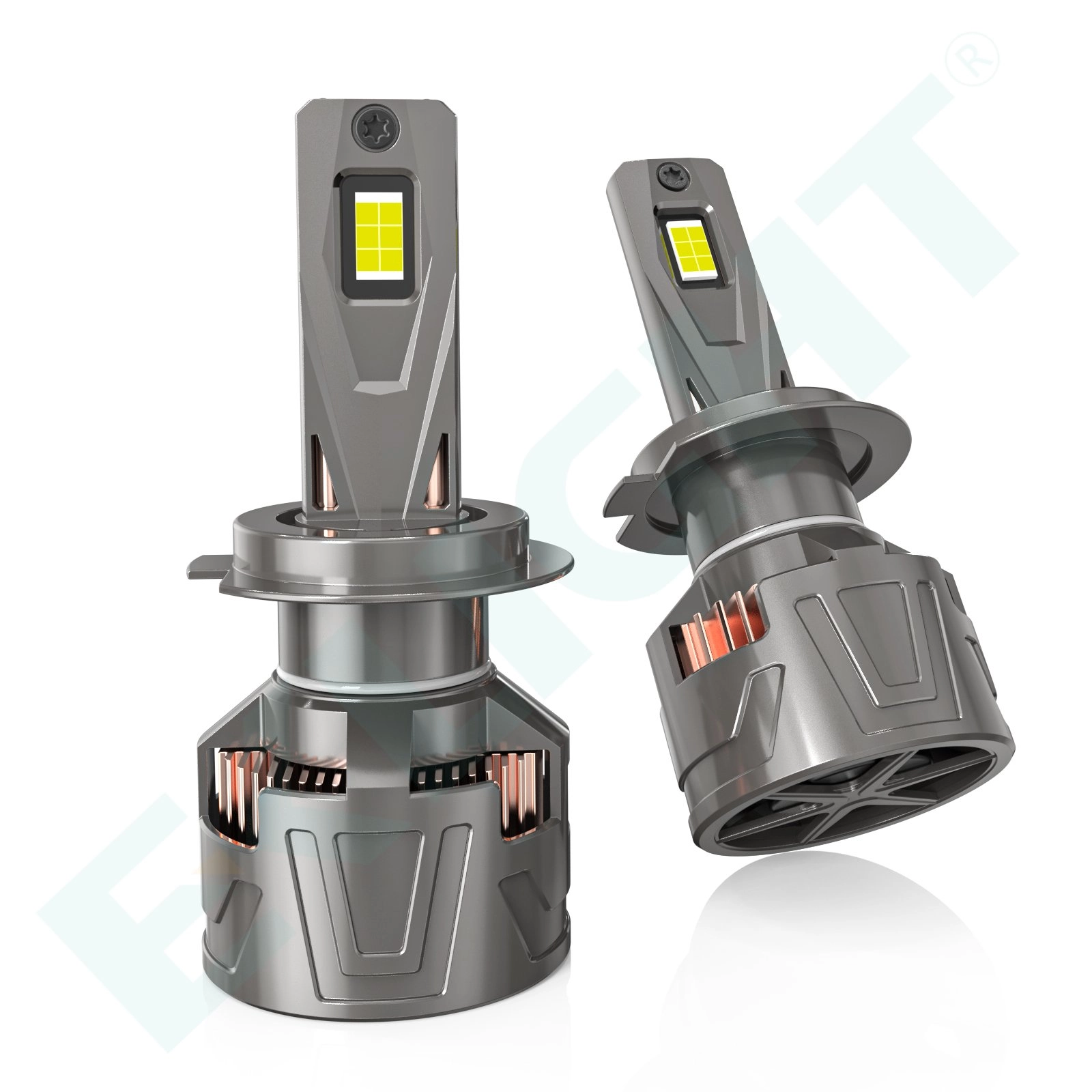
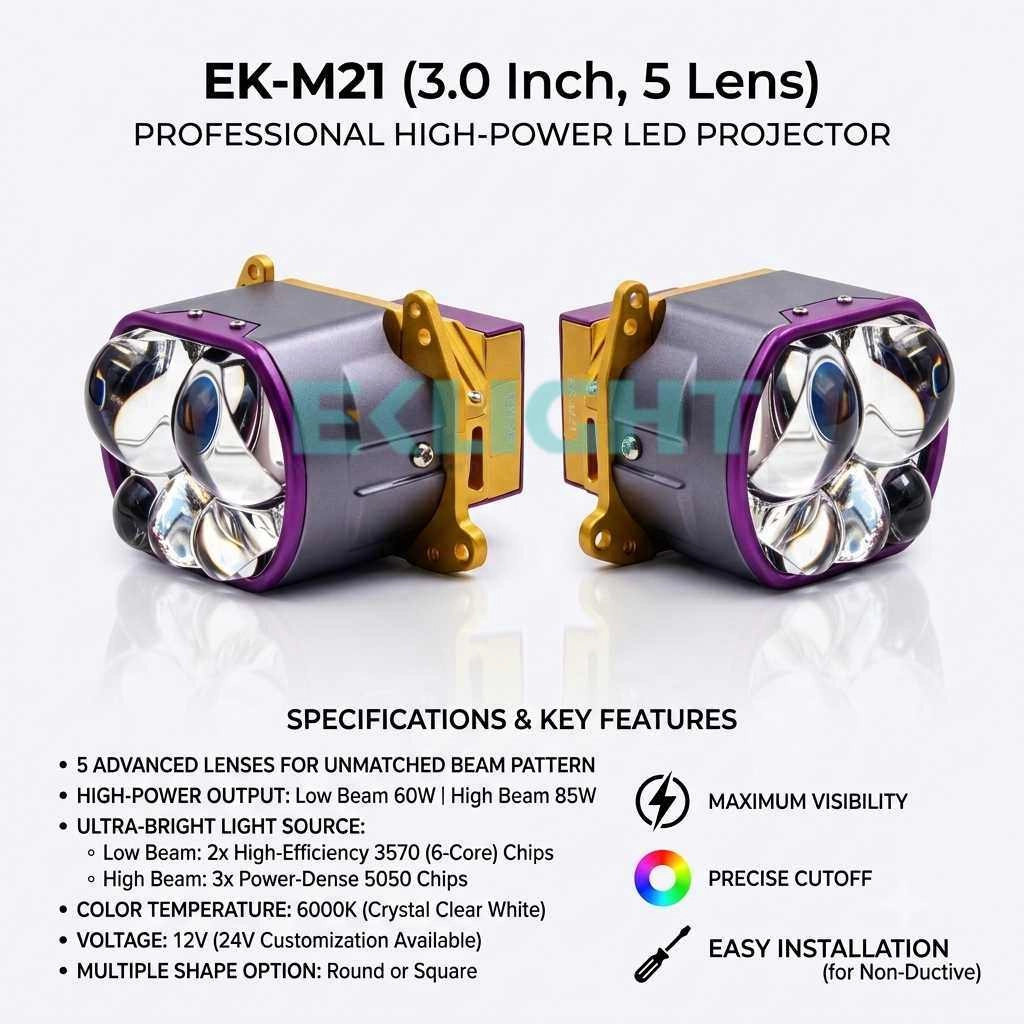
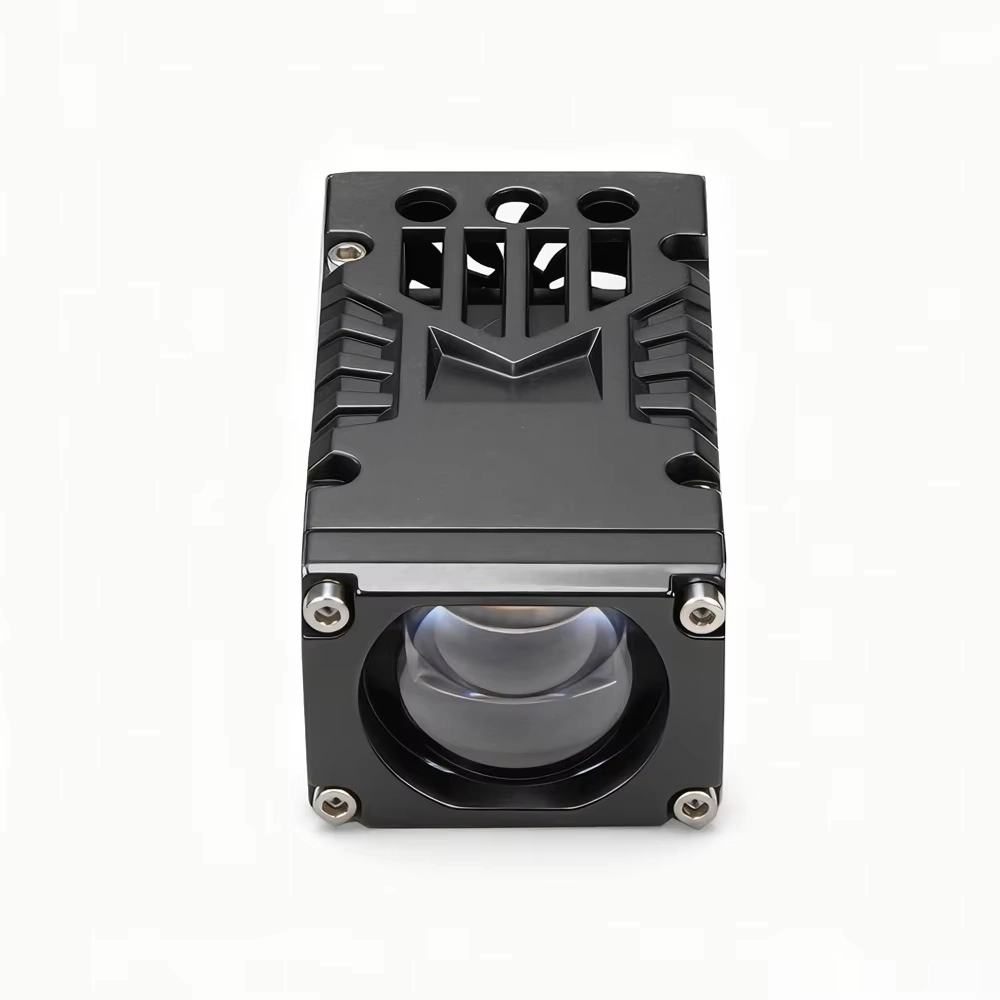
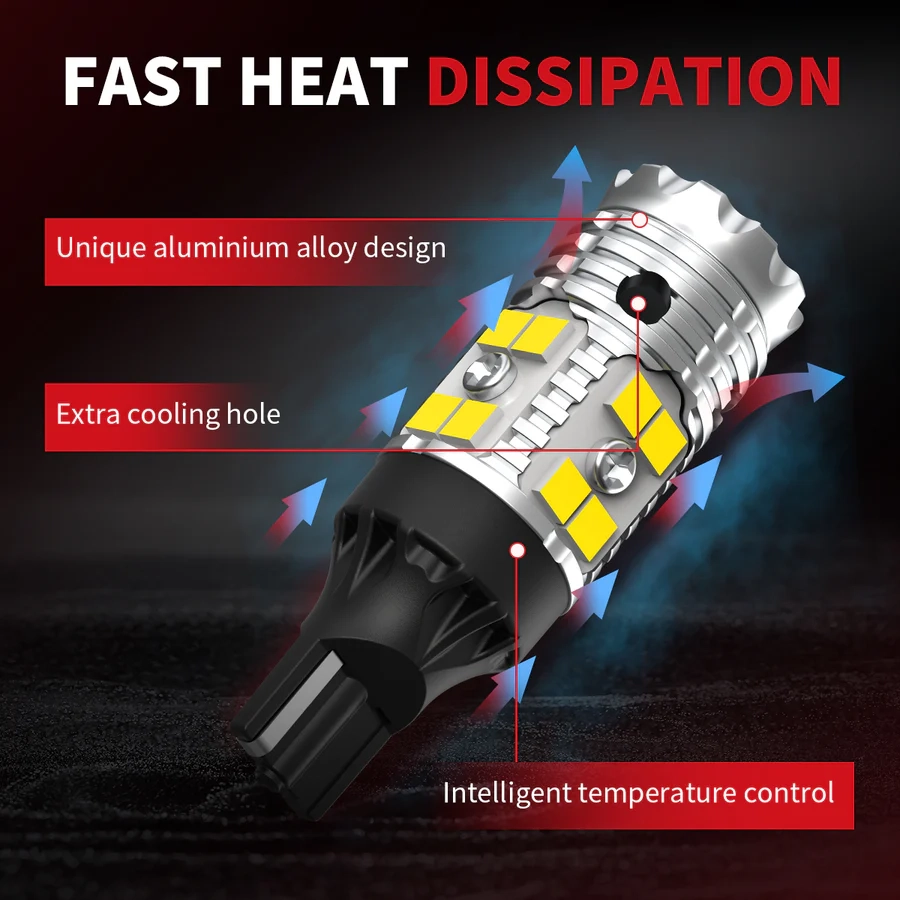
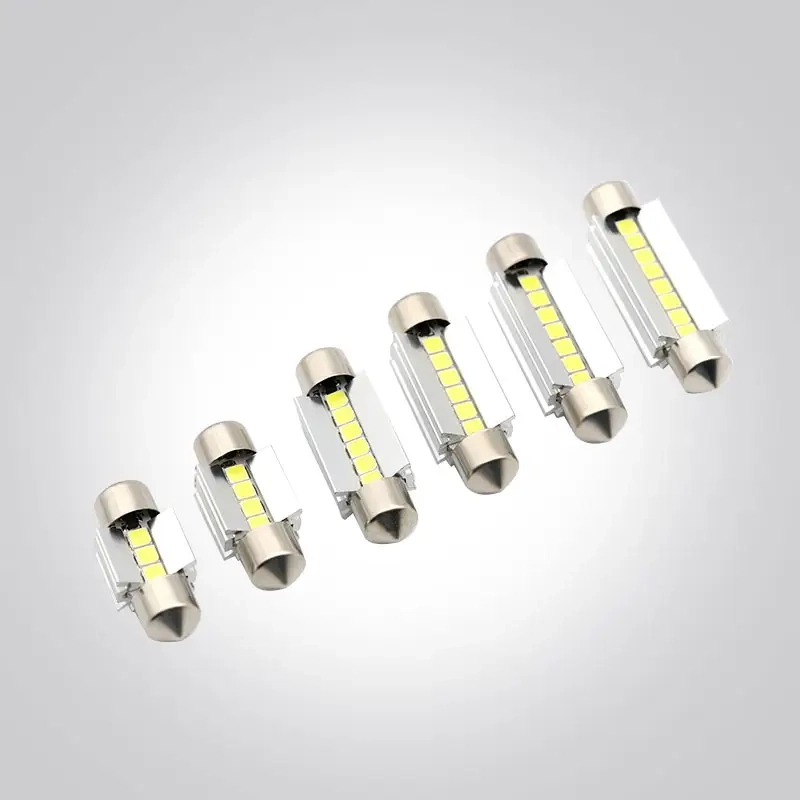
H4 LED decoder Display
FAQ
What does an H4 LED decoder do?
In some vehicle and bulb combinations, a decoder helps address electrical compatibility symptoms such as flickering or a bulb-monitoring warning after an LED conversion. Its function and effectiveness depend on the specific product and vehicle; it is not a universal fix.
Do all H4 LED bulbs need a decoder?
No. Some H4 LED bulbs operate without an additional decoder, while certain vehicles may require an accessory to address monitoring-related symptoms. Check the bulb and decoder instructions against your vehicle before purchasing.
Can a decoder stop H4 LED headlights from flickering?
It may help when flickering is caused by the vehicle’s interaction with the LED bulb, but flicker can also result from loose connections, incompatible components, wiring faults, or other electrical issues. Diagnose the cause rather than assuming a decoder will resolve it.
How do I check whether a decoder fits my vehicle?
Confirm your vehicle’s year, make, and model, identify the exact H4 LED bulb, and compare those details with the product’s compatibility information. If the application is not clearly listed, ask the seller or a qualified installer before ordering.
Is an H4 LED decoder a substitute for correct headlamp installation?
No. A decoder does not replace correct bulb fitting, secure wiring, or proper headlamp aim. Follow the product instructions, verify that the beam is aimed appropriately, and check local regulations for LED headlamp conversions.
EKLIGHT delivers innovative, high-quality LED lighting solutions trusted by global partners.
We empower businesses with reliable products that enhance performance and drive success.
Contact EKLIGHT
Address : Building C, Dehuiwanggang Industrial Zone, No. 38 Wanggang Industrial three road, Baiyun district, Guanghzou, Guangdong province, China.
© 2026 EKLIGHT. All Rights Reserved.
EKLIGHT
EK
EK
EK
EK